Desktop Backgound
Step1: Mouse Right Click
Step2: Personalize Click
Step3: Desktop Background click
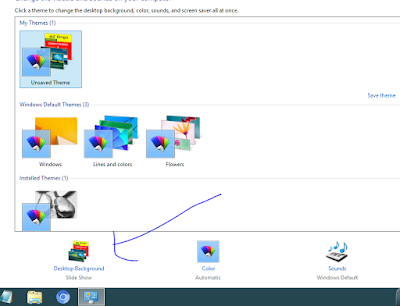
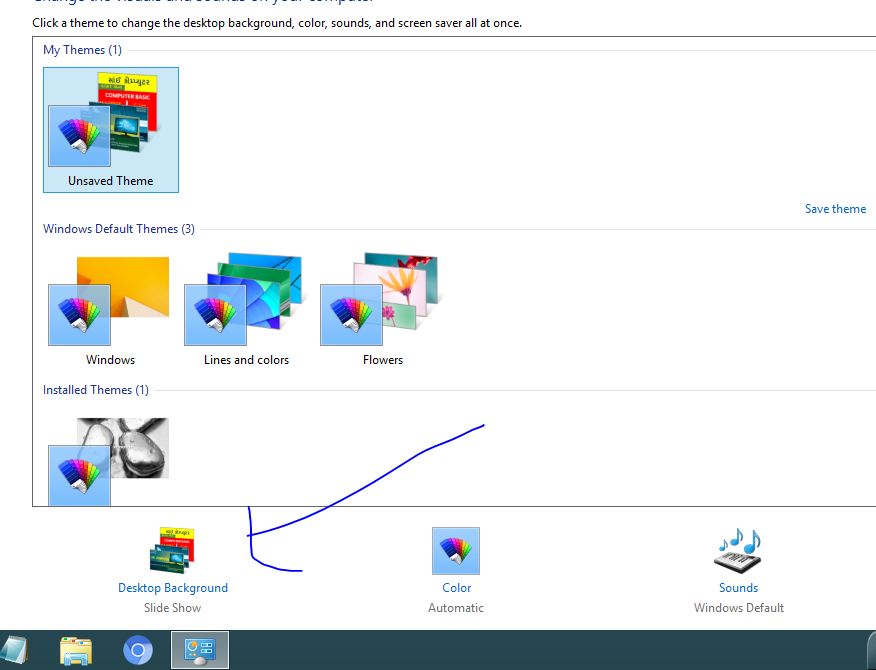
Step4: And Choice Image
1) One imagge select
Or
2) Multiple image select

Step5: Picture Position (fill,fit,stretch,title,center) best Opesone Center.
Step6: Changing picture every time set
Step7: Save Button Click


nice & its really good worked to this steps ....👌👌👌
ReplyDelete